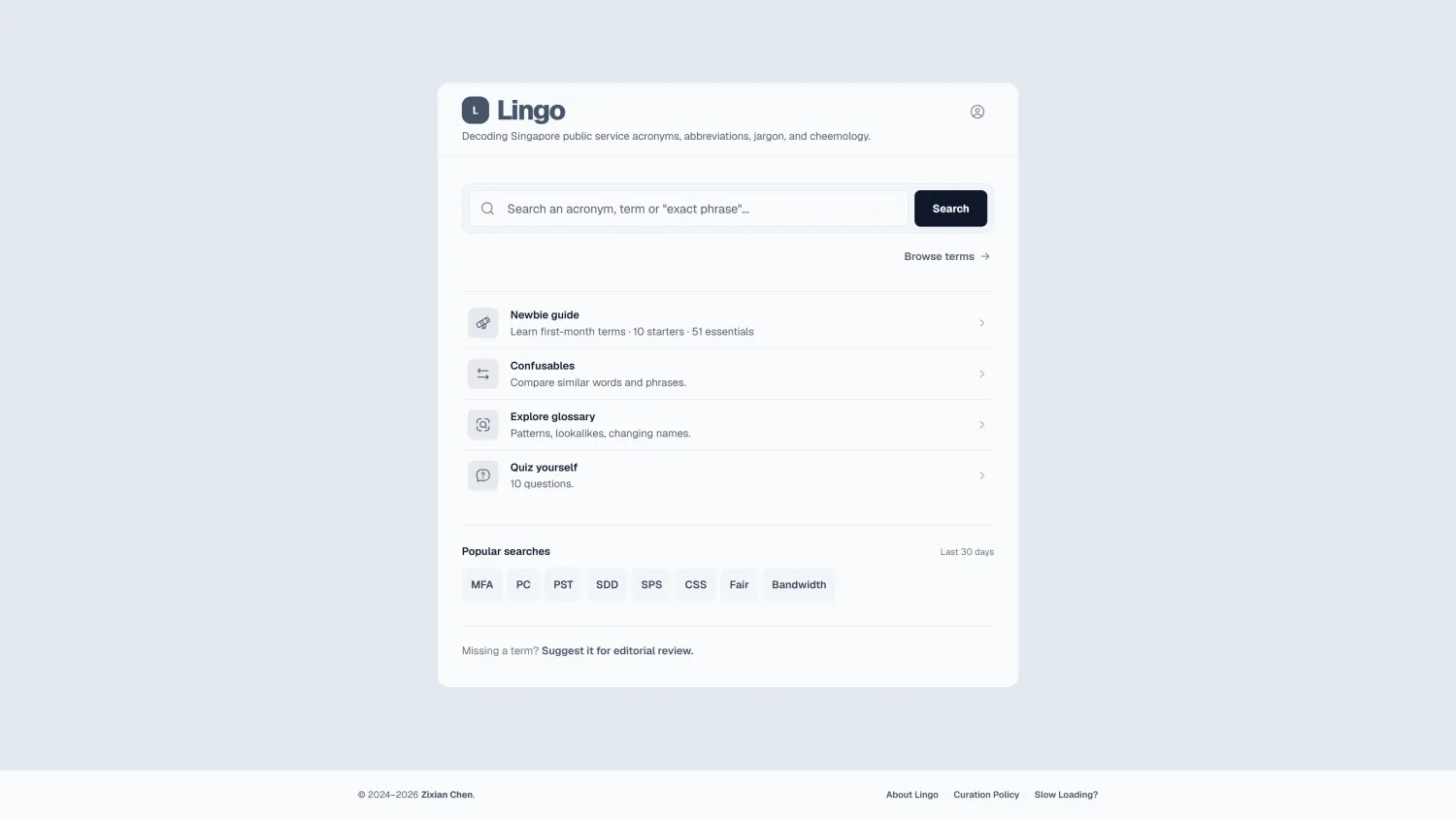
Why it exists
The glossary began with an onboarding problem.
When I joined, documents and conversations were full of abbreviations I did not know.
Colleagues said the same, and internal employee surveys pointed to unfamiliar terminology as a particular pain point during onboarding. The available references were scattered across PDFs, Word documents and intranet pages, so I started collecting terms in one place.
The collection began with abbreviations, then widened to branded names such as ServiceSG and LifeSG, along with workplace expressions such as “seek a steer”, “take offline” and “first cut”. Eventually I renamed it Lingo, a glossary for the language of the Singapore Public Service.
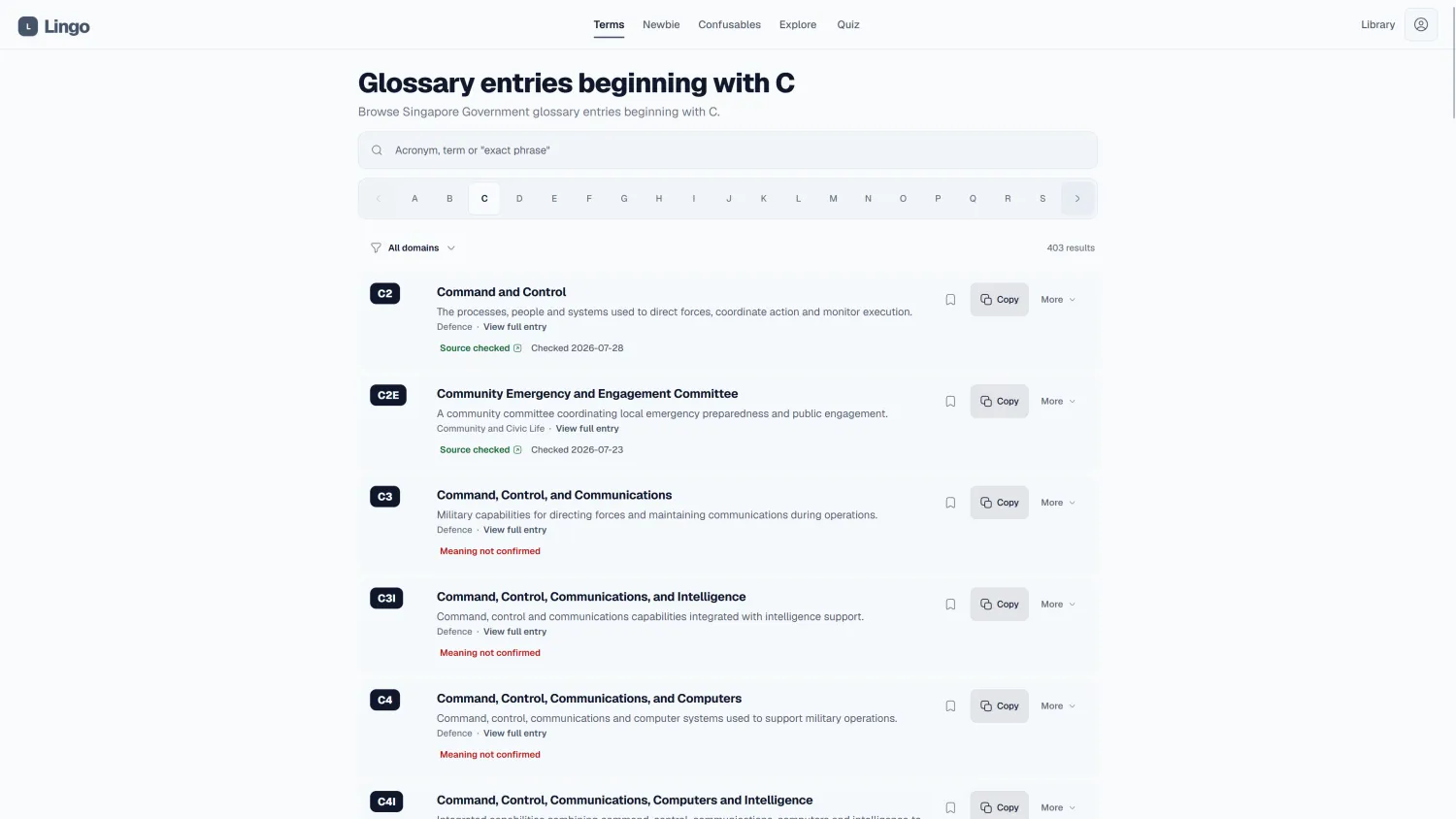
Finding a term
Search should tolerate imperfect memory.
Someone might remember a few letters, part of a phrase, roughly how a name sounded, or only what the term did. Lingo has to make use of whichever fragment survived.
- First version
- Jaro-Winkler and Metaphone handled partial and phonetic matches.
- Why it changed
- Ranking became expensive to tune as the glossary grew.
- Current approach
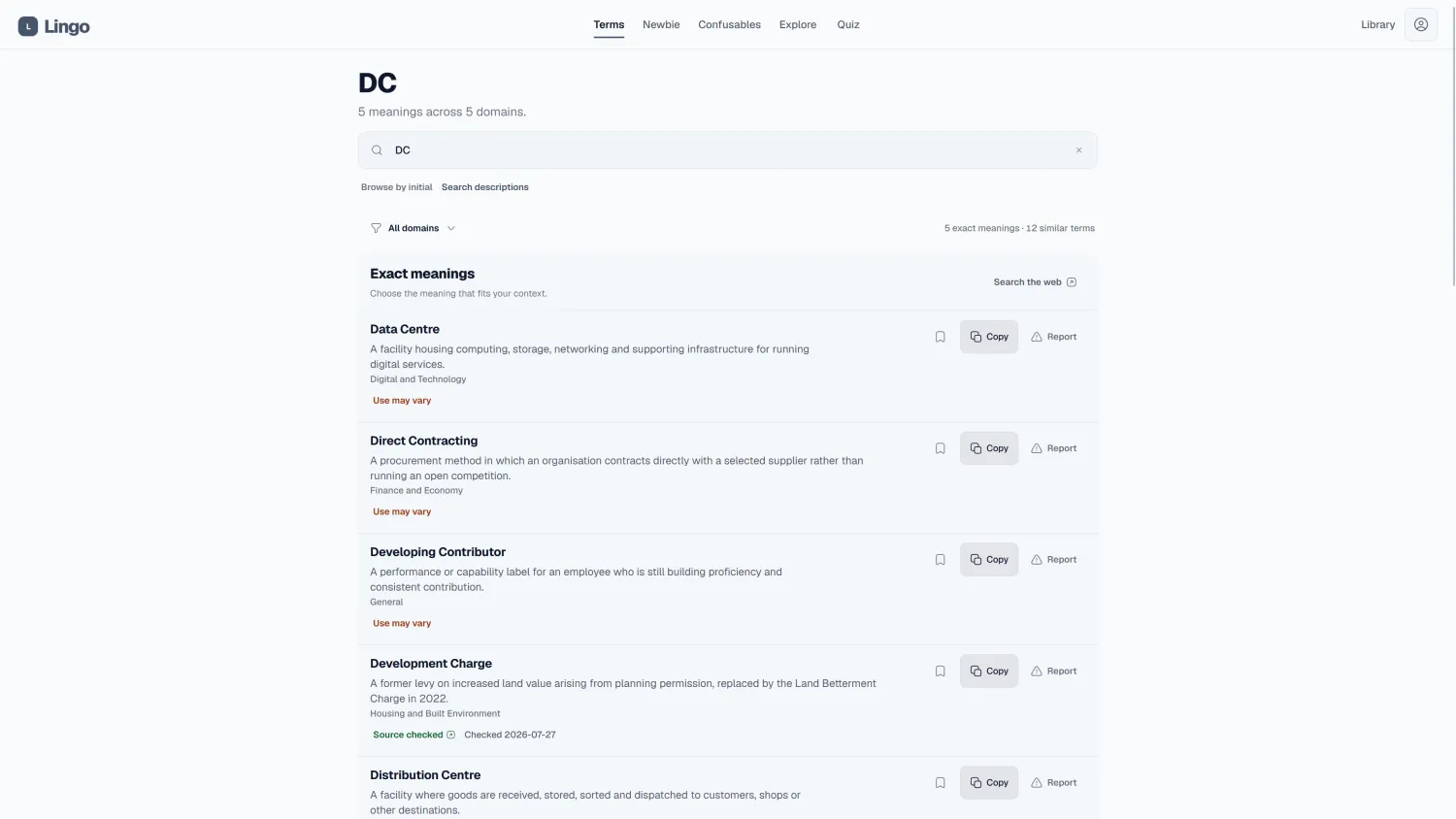
- Exact matches come first. Semantic search then looks across descriptions and other indexed context for glossary terms and Confusables, so a remembered idea can still lead to the right result.
- Fallback
- The embedded lexical search takes over if Meilisearch is unavailable. Find by meaning can fail on its own without breaking ordinary search.
Learn from failed searches
Lingo keeps 90 days of submitted searches, including results that found nothing. A short survey can ask what someone expected to find.
Keep identity out of the log
URLs, emails, identity numbers and long phone-like numbers are redacted. IP addresses, user agents and session identifiers are not stored with searches.
Learning earlier
Search starts after a term gets in the way.
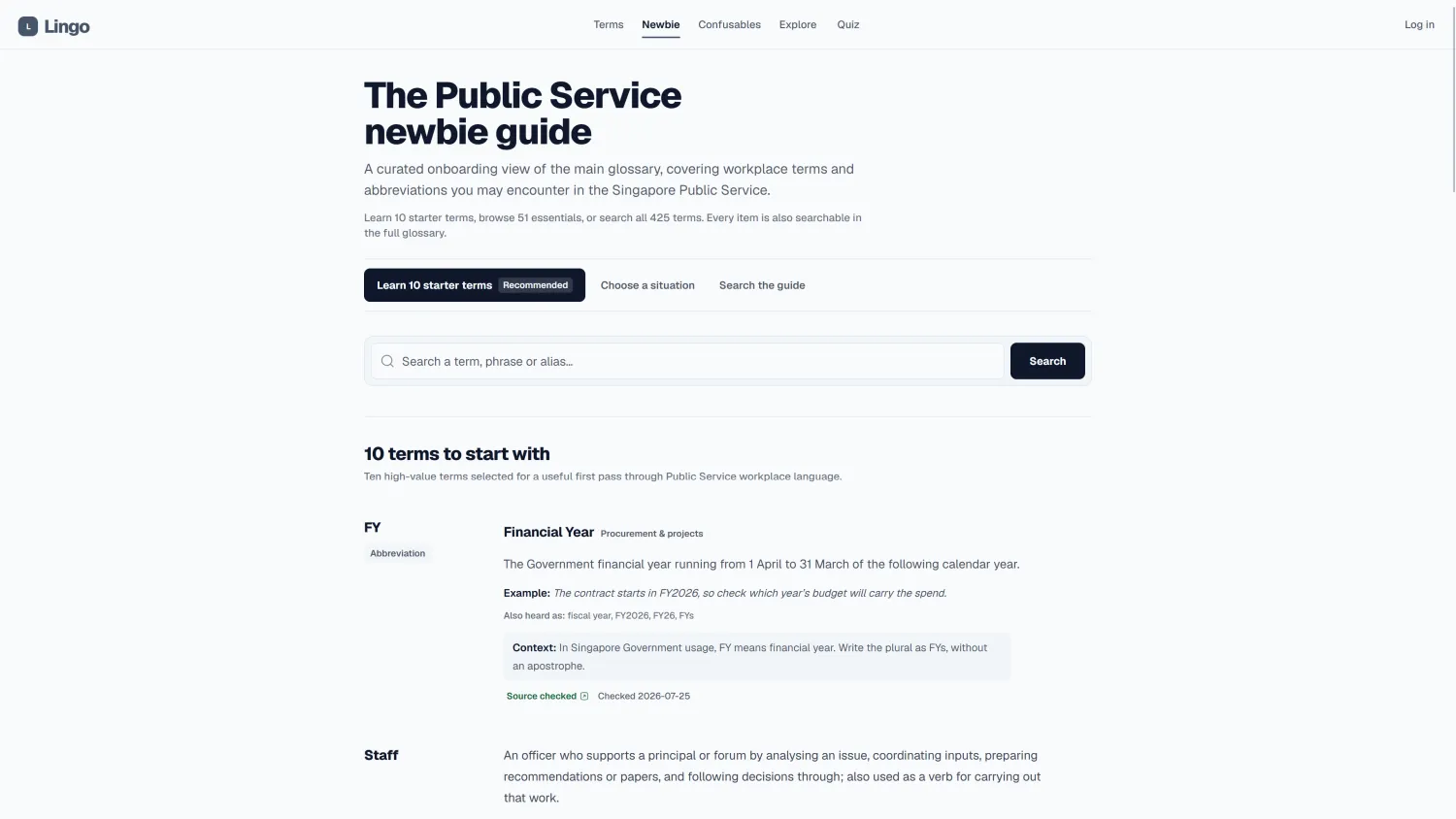
The original pain point was onboarding, so I arranged terms around how new officers encounter the Public Service: starting work, attending meetings, writing papers, navigating the hierarchy, handling procurement and working across agencies.
The newbie guide begins with ten starter terms, then opens into 51 essentials, situation-based paths and the wider glossary.
Confusables extends that help to words and phrases that are easy to mix up. Its source-checked guides cover different meanings, word forms, usage and grammar, and Singapore usage.
Explore the shape of the glossary
Ten views surface lookalikes, changing names, workplace language, acronym families and terms with several meanings. The data can teach more than a search box alone.
Choose the right word
Confusables compares similar words and phrases side by side, with concise guidance for the choice that fits the sentence and Singapore workplace context.
Practise without ceremony
The quiz uses ten-question rounds and returns missed answers for review. Completed-round totals stay in the browser, with no account, timer or leaderboard.
Inside the newbie guide
Select to enlarge
Inside Confusables
Select to enlarge
Explore and quiz
Select to enlarge
Earning trust
Make contributing easy. Make publishing deliberate.
Workplace language varies across agencies, so Lingo needs help finding gaps. It also needs every public entry to pass through research and review.
How an entry reaches search
- 01A lead arrives
A suggestion, report, survey response or failed query points to a gap.
- 02Research it
I check the meaning, context and available public sources.
- 03Review and edit
The private panel keeps evidence, proposed changes and the decision together.
- 04Prepare the draft
An accepted suggestion becomes JSON for a final manual change.
- 05Release to search
The embedded JSON remains the source of truth and the index updates with the release.
The first suggestion form asked separately for the term, meaning, agency, source and context. That made submissions easier to process, but suggesting something felt like work. The default is now one text box where someone can paste whatever they have, even if it is only a rough lead.
People can report a problem with an existing entry and point to the fields that need attention. Suggestions, reports, survey responses and analytics sit in one private panel, while the public forms warn contributors to leave out classified, sensitive or personal information.
Running it
Built for the browser people actually have.
Many users reach Lingo through Menlo Security's remote browser isolation, where extra client-side work can become more noticeable than it would on a normal connection.
- Application
- Lingo started as a Go/Templ app. That worked well when it was smaller, but the template fragments got unwieldy as more features were added. I moved the web app to SvelteKit and kept Go as a separate API. The migration was mostly mechanical, with the existing design and behaviour left alone.
- Analytics
- PostHog loads only on selected public pages. Recording stops when someone types a search, and query pages use event tracking without replay. Authentication, submissions and the admin panel are excluded.
- Release
- A typical self-hosted GitHub Actions runner handles CI.
Most people will use Lingo when a term gets in the way, and that is fine.
They look it up, find the explanation and return to whatever they were doing. The newbie guide gives new officers somewhere to start before that happens, with situations they recognise and a way to practise the terms.
I started with a glossary because that was the simplest answer to the onboarding problem. Over time it has become much closer to the onboarding resource I wanted when I joined.